MaestrIA
Assessments aligned to your syllabus, with AI that teaches instead of solving
The problem
I've been teaching math for more than ten years. I know exactly what happens when a student asks a chatbot: they get the right answer and learn nothing.
A student's mistake isn't noise — it's information. It tells you where the reasoning broke. A tool that skips past it to reach the result destroys precisely the most valuable material in the classroom.
Diagnose instead of answering.
When the student gets it wrong, the model doesn't correct: it identifies what kind of error they made and returns an explanation anchored in the context of that student and that topic. The right answer does arrive, but after the diagnosis — never instead of it.
This isn't a technical decision, it's a pedagogical one. I could make it because I know the classroom, not because I know the API.
How the correction works
What it does
- Separate teacher and student roles (progress history and metrics still in development).
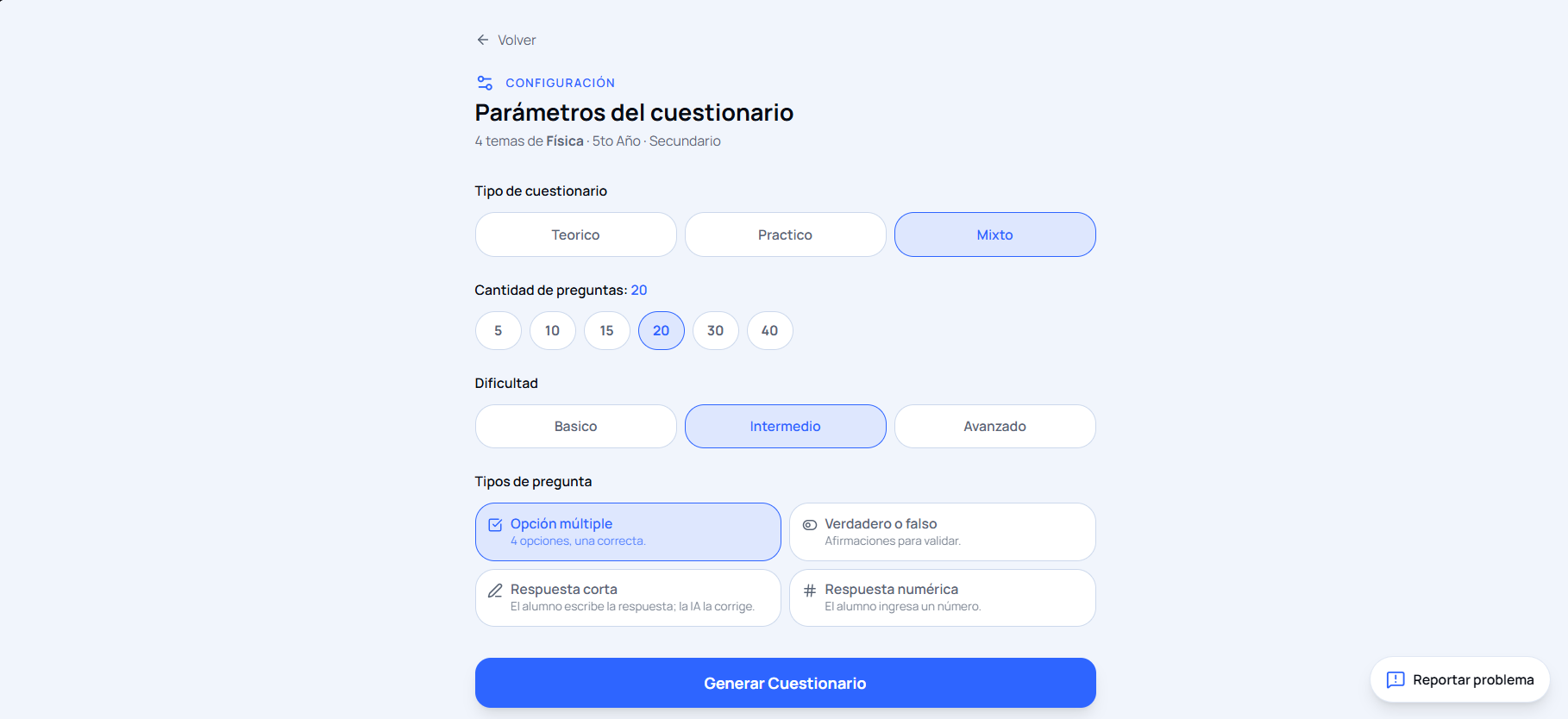
- You configure subject, grade/year, level, and evaluation type — theoretical, practical, or both.
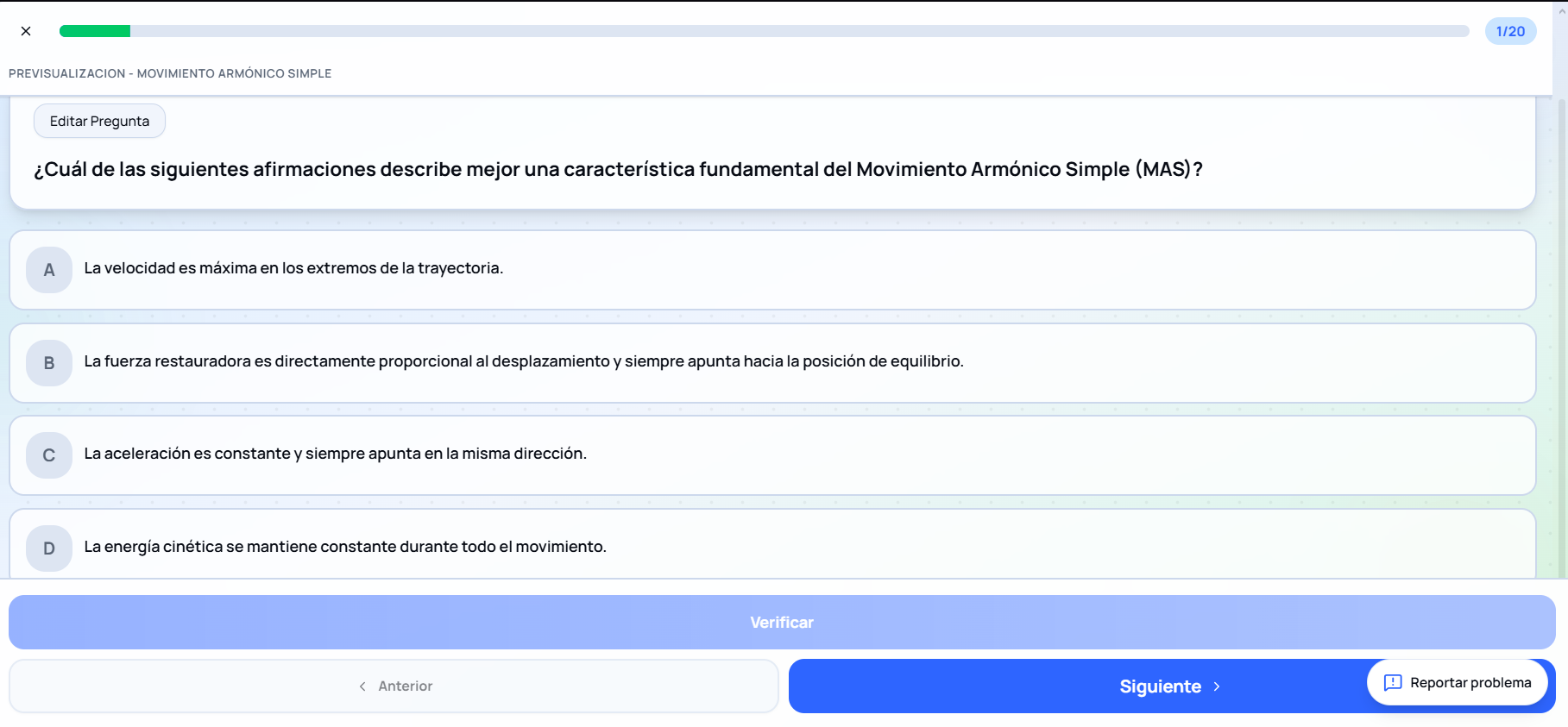
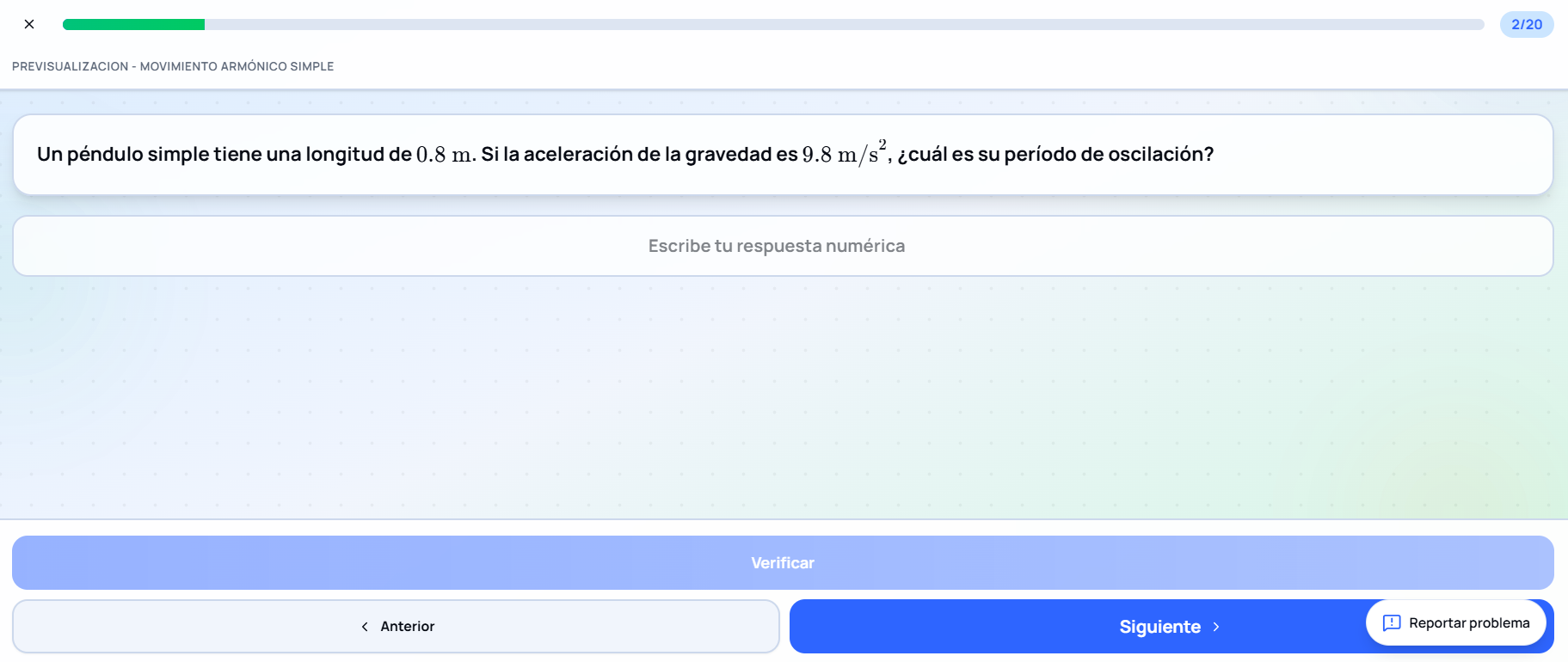
- Generates 5 to 40 questions combining multiple choice, true/false, short answer, and numeric with an approximation margin.
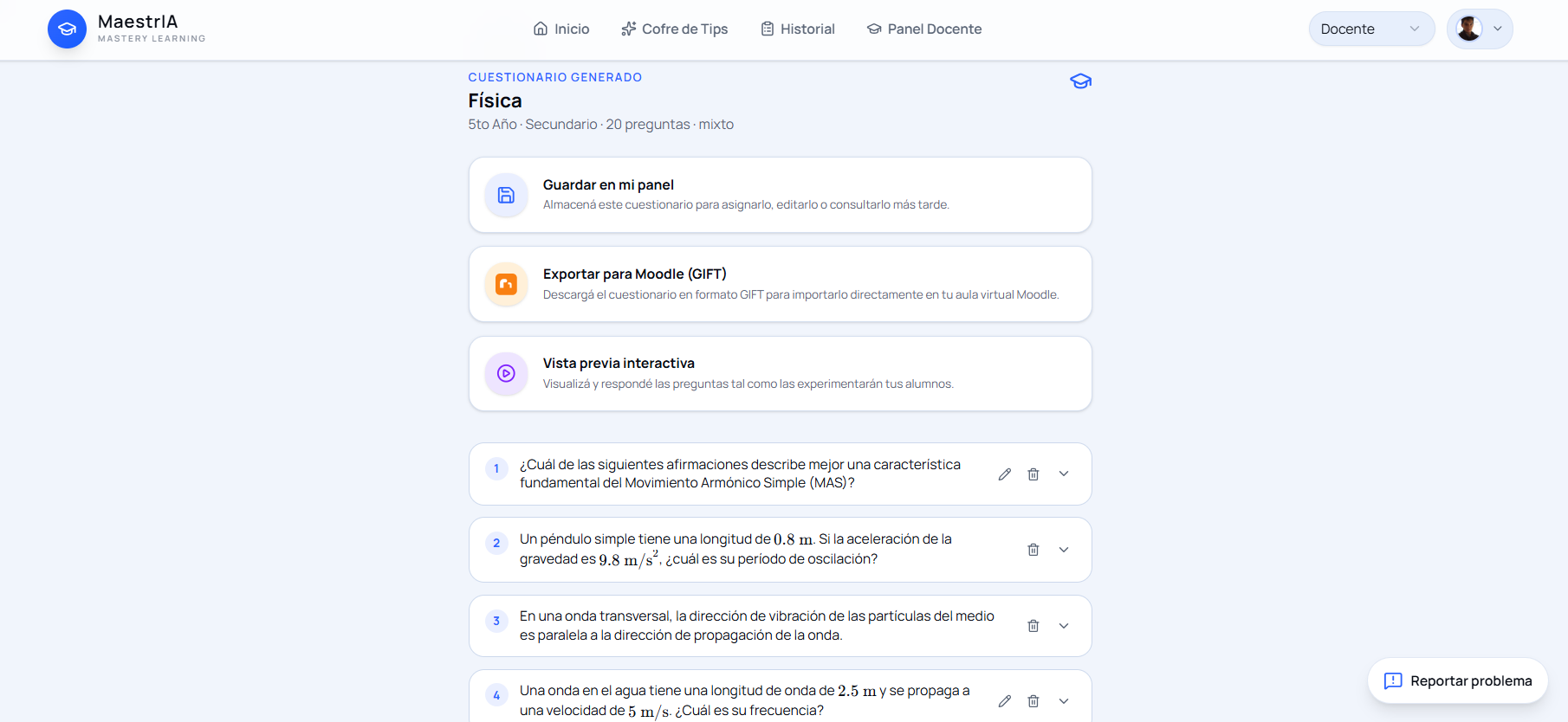
- Exports the quiz to Moodle in GIFT format — I used it to build the practical assignments for Mathematical Analysis, Algebra, and Probability and Statistics.
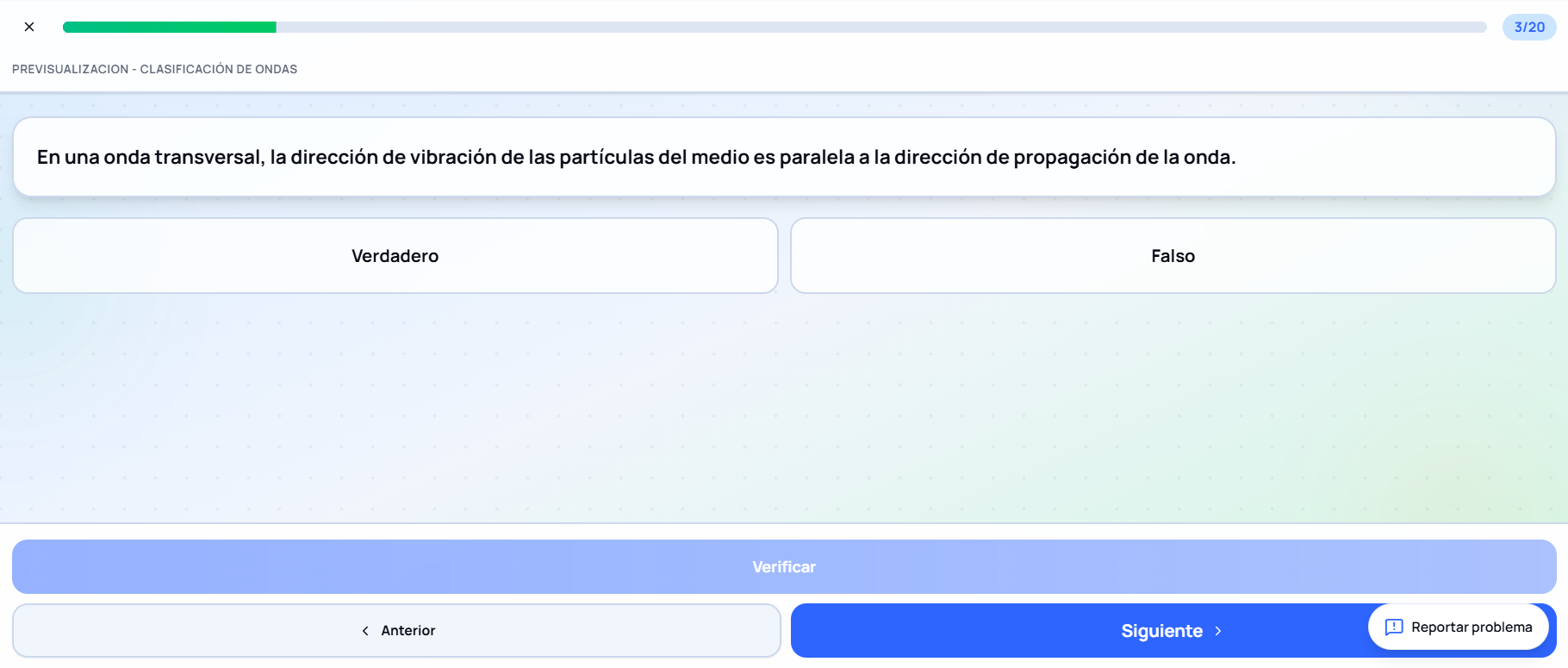
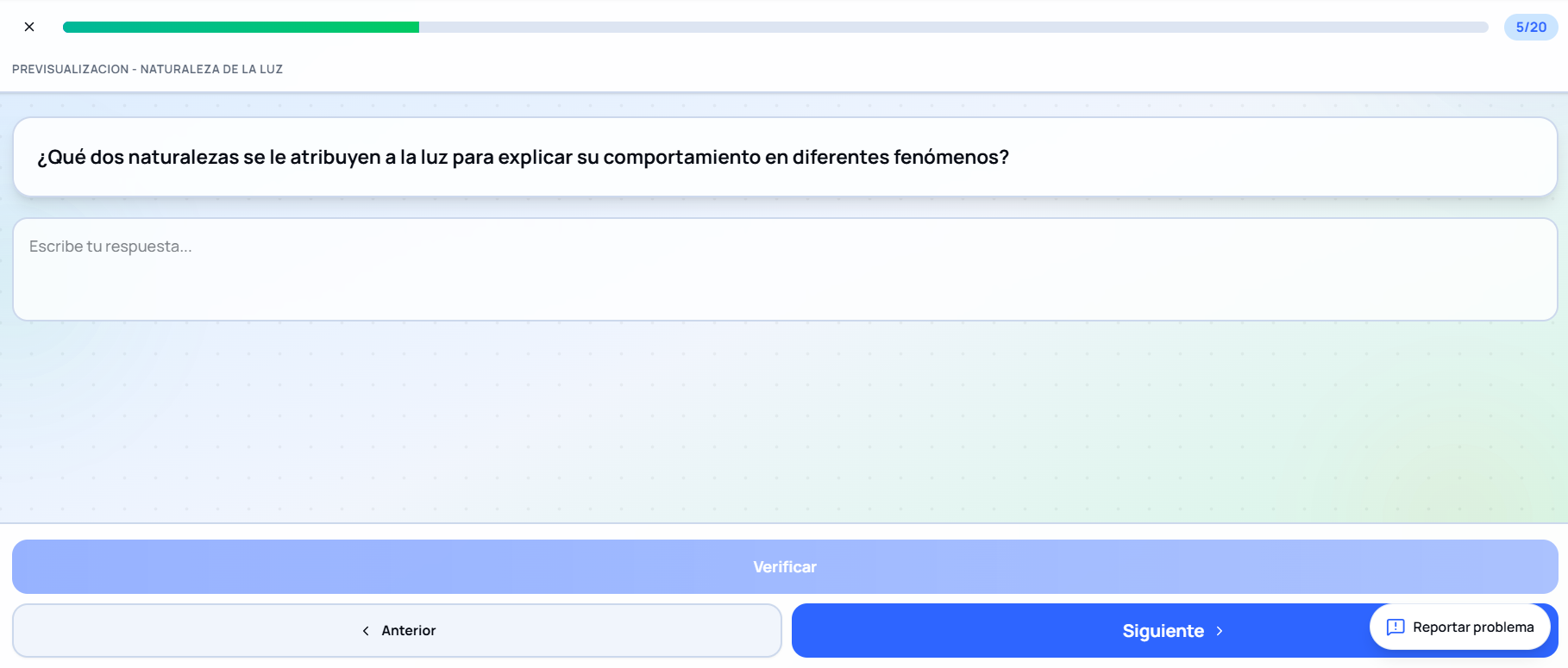
It started as a math tool. Today it works with any subject and any level.
Result
Today I use it myself, and along the way students from Systems Analysis and from the Data Science and AI program tested it across Mathematical Analysis, Algebra, and Probability and Statistics. It generates quizzes of 5 to 40 questions — multiple choice, short answer, true/false, and numeric with an approximation margin — and exports them to Moodle in GIFT format. I used it to build the practical assignments for those three courses.